
How to Use Claude for Content Marketing

A bad bitch's guide to what Claude is, how its models and features work, and why understanding the tool comes before your team writes a single prompt
I've been working with digital for over a decade, strategy, data, analytics, you name it, I've mastered it. Four years ago, when AI tools became a tool marketers could use to make their work more efficient, I tested the shit out AI tools and platforms in order to see what worked best.
Now, in the last 24 months, I've watched the internet transform into something we now lovingly — and accurately — call the enshittification of the internet, every social feed, newsletter, and website bloated with the same hollow content wearing different fonts. Nothing pisses me off more than an emoji-filled, single-sentence post making vague, astronomical claims. So here we are. This series is the antidote — a more than average, but not quite next level, guide to using AI as a functional tool, not a content vending machine.
But none of that works if you don't understand what you're actually holding. This first article is the foundation: where Claude runs, how the three models differ, and the six features that change how you create content. Everything else in this series — brand voice projects, long-form production, quality assurance — builds on what you learn here. So pay attention.
Claude as a Tool for Content
Let's be honest, host AI content tools are glorified autocomplete, or they're completely fucking evil (different topic, different time). Claude is different, first its the most ethical of the tools, and it does great thing content marketers need — it remembers your brand voice, builds on previous conversations, and gets more useful the longer you work with it. It knows your audience, your preferences, and what you're building, and over time, your projects become really rich repositories of information
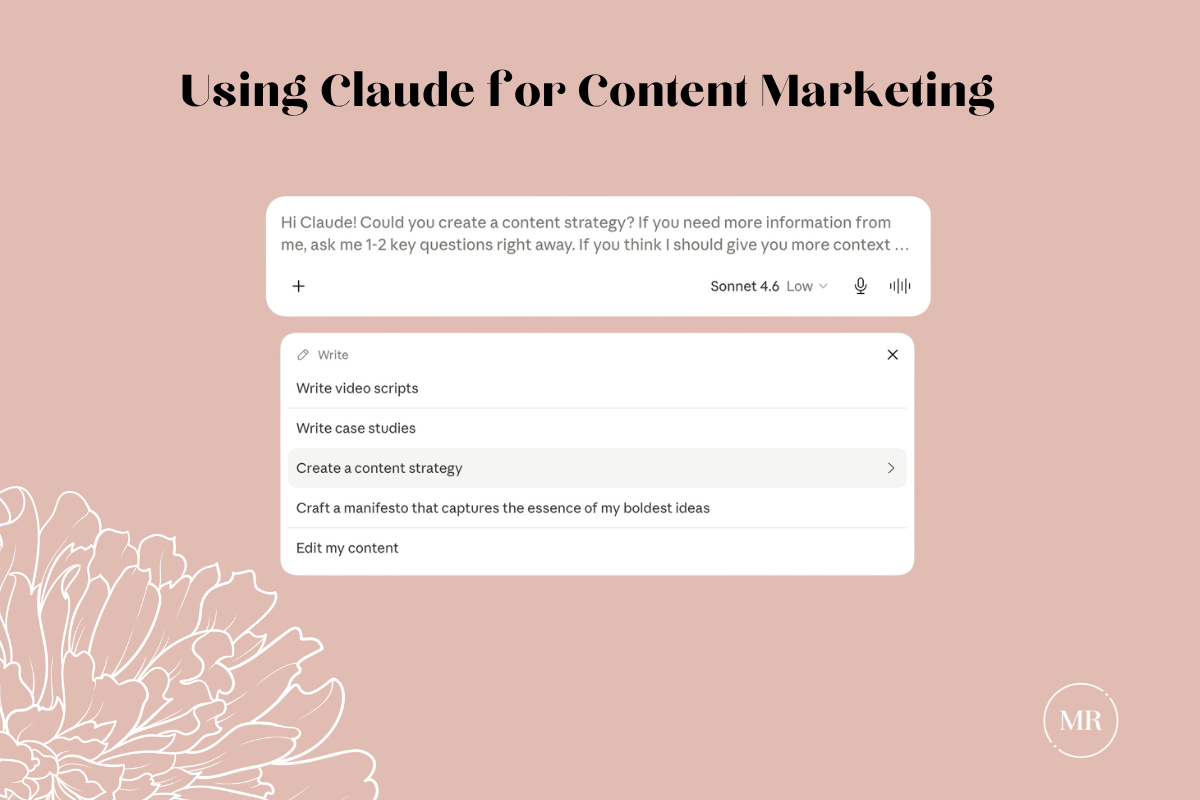
How to Access Claude
Before we get into what Claude can do, let's talk about where you'll actually use it. Claude runs in three places:
Web (claude.ai): The browser-based interface. There's no installation and it works anywhere. This is where most people start, and it's fully featured — Projects, connectors, Research mode, everything discussed in this guide works here.
Desktop App (Mac and Windows): Download it at claude.ai/download. Same features as the web version, but with two advantages that matter for content work:
- Quick Entry (Mac): A keyboard shortcut pulls up a Claude input box from anywhere on your computer. You're in a Google Doc drafting a blog post, you hit the shortcut, ask Claude a question, and get back to writing without switching tabs or breaking your flow. It sounds small. Over a full writing day, it's not.
- Local file access: Claude can read files directly from folders you connect on your computer. Instead of uploading your brand guidelines every time, you point Claude at the folder and it references them automatically.
The desktop app also includes Cowork (requires a paid plan), which lets Claude handle multi-step tasks autonomously — research synthesis, document generation, file organization. It's powerful, but it's beyond the scope of this guide. If you're curious, Anthropic has documentation on it.
Mobile (iOS and Android): Full access to your Projects and conversations on the go. Useful for reviewing drafts, quick edits, or capturing ideas when you're away from your desk.
Your account syncs across all three. A Project you set up on the web shows up on desktop and mobile. A conversation you start on your phone continues on your laptop.
The Three Claude Models
Once you know where Claude lives, the next thing to get straight is which model you're working with — because they are not interchangeable.
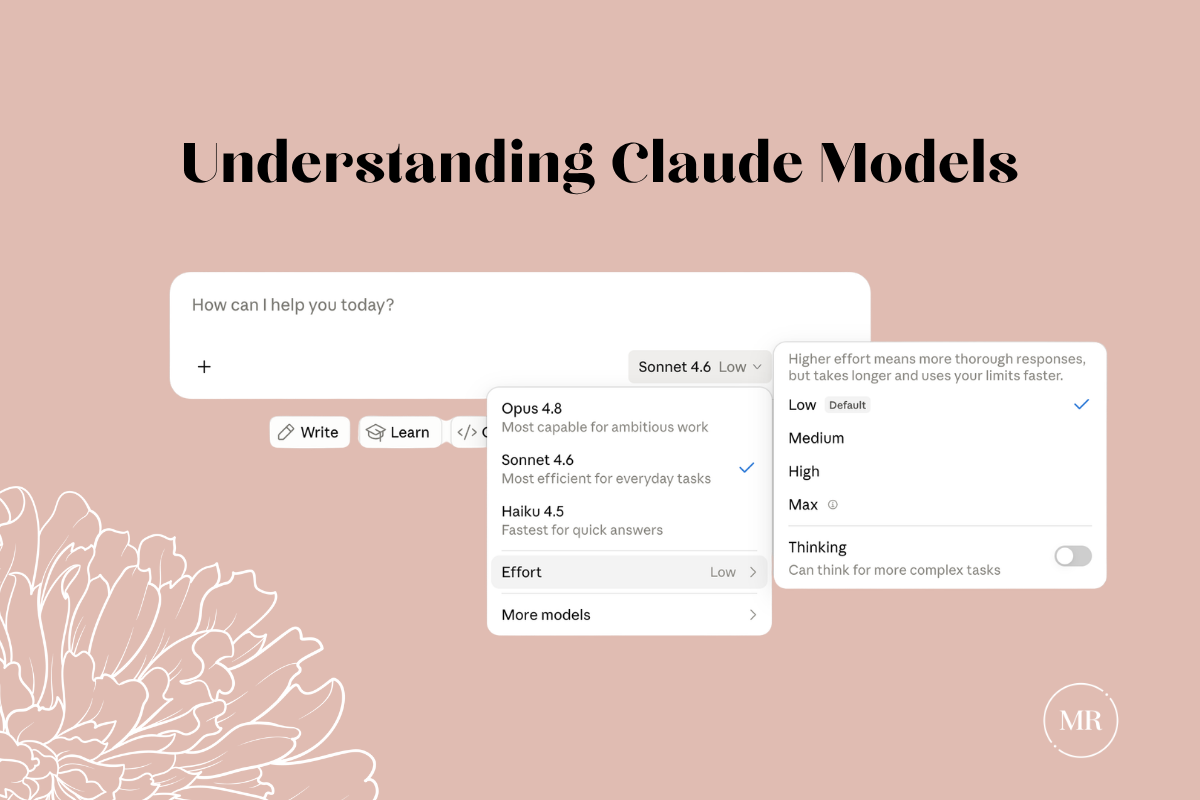
- Claude Haiku: This is your sprint runner. Built for speed — social variations, quick headlines, rapid edits. Fast and light, with a 200K token context window (roughly 500 pages). Use it for quick tasks.
- Claude Sonnet: This is your workhorse. Sonnet handles 90% of what a content team actually produces — blog posts, articles, email campaigns, social content. It holds a 1 million token context window (roughly 2,500 pages), which means your entire content library, brand documentation, and audience research can live in a single conversation.
- Claude Opus: This is your heavyweight. The one you call in when good enough isn't an option — comprehensive guides, detailed reports, mission-critical content where a shallow take would be professionally embarrassing. It has the same context window as Sonnet, but a different caliber of output.
Genius Tip: On paid plans you can switch models mid-conversation. Start a draft in Sonnet, move to Opus when a section needs more depth. Use the right tool for the right moment.
Six Features For Content Creation
Claude has features; these aren't bells and whistles. Each one changes something specific about how content gets made — and knowing what they do before you need them is the difference between using Claude well and using it expensively wrong.
Extended Context Window
Allows you stop re-uploading your brand bible, your tone guide, your audience personas, and your product docs every single session, you load them once. Claude holds them for the entire conversation. For content teams managing multiple brands, campaigns, or clients, that's the difference between a tool you set up once and a tool you set up every time you open it.
Extended Thinking
The content that gets you in trouble is the content you published too fast. Extended Thinking slows the output down before it reaches you — Claude pressure-tests the argument, checks its own assumptions, finds the gaps. Use it on anything where a shallow take would embarrass you publicly: comprehensive guides, POVs, anything going out under your name.
Artifacts
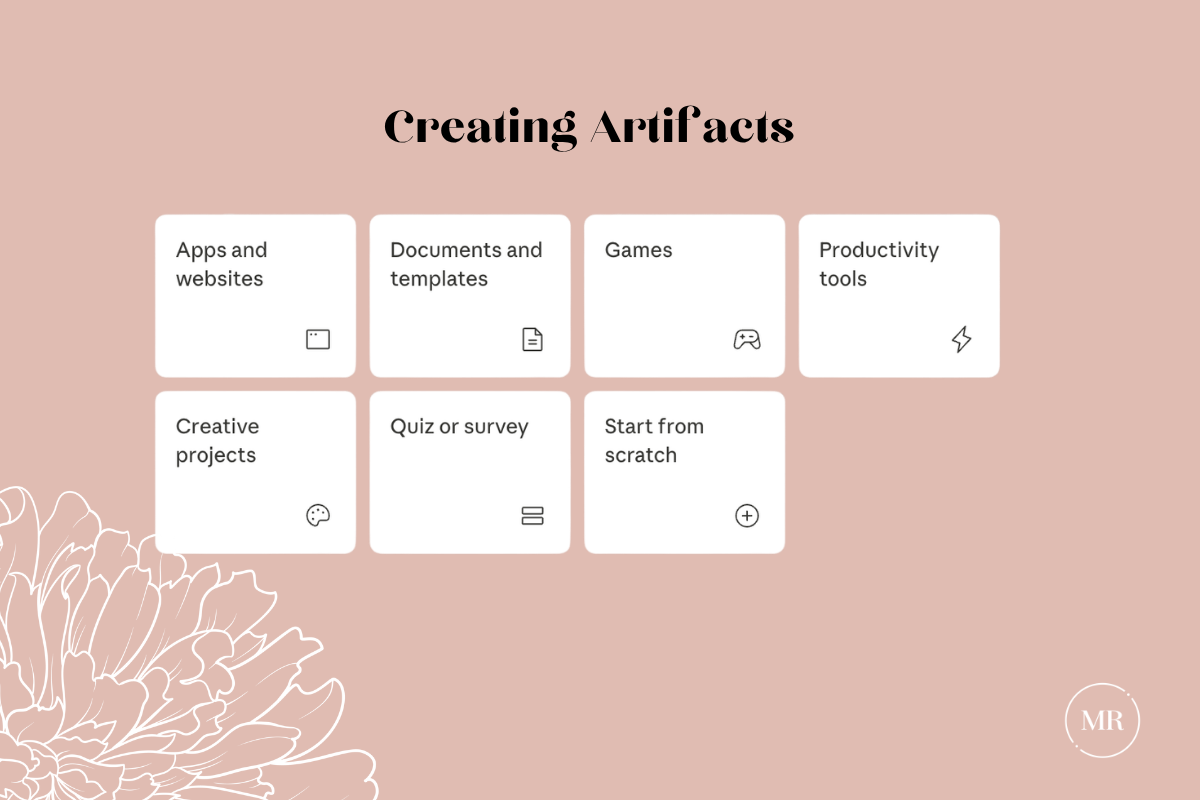
Your draft lives in a panel next to the conversation. You're not digging through chat history to find the version you wanted. You iterate on the document while the strategy conversation keeps moving. It changes how fast you can go from rough to ready.
Research Mode
Claude can search current information and weave it into your content. It doesn't return links. It returns synthesis. Research mode runs multiple searches that build on each other, then hands you something usable — with citations. For content that requires current data, competitive context, or trend analysis, this is the feature that makes Claude a research partner instead of a writing assistant.
Memory
Claude learns your brand voice, your audience, your preferences — and carries that forward every time you open a new conversation. The next conversation picks up where the last one left off without you re-explaining who you are and what you're building. For content teams, that compounding context is what makes output consistent at scale without someone manually policing every piece.
How to check it: Go to Settings > Memory in claude.ai or the Claude app. You can see everything Claude has stored, edit entries, or delete things you don't want retained.
Connectors
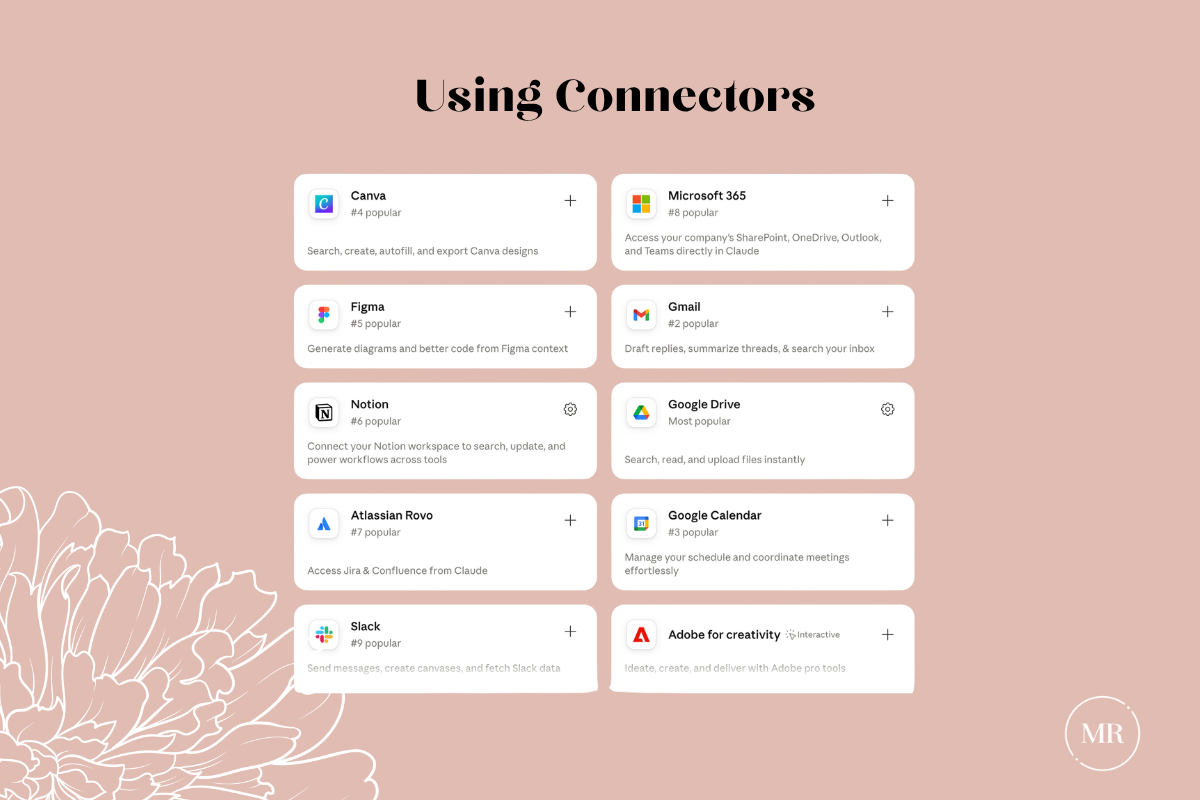
Claude connects directly to your existing work tools — Google Drive, Notion, Canva, Slack, and over 200 other integrations through the Connectors Directory. Instead of downloading files from Drive and uploading them to Claude, Claude pulls what it needs from where it already lives. We'll cover which connectors actually matter for content creation and how to set them up later in this series.
What Claude Excels At (And What It Doesn't)
I've tested enough AI tools to have strong opinions and a few scars. Claude is the best I've used for long-form content work — it holds brand voice without babysitting, builds on what it knows session over session, and can't replace the judgment that comes from actually being inside your industry. That part's still yours. Now everyone gets to learn how to do this. Here we go, darlings.
Written by
What's Next?